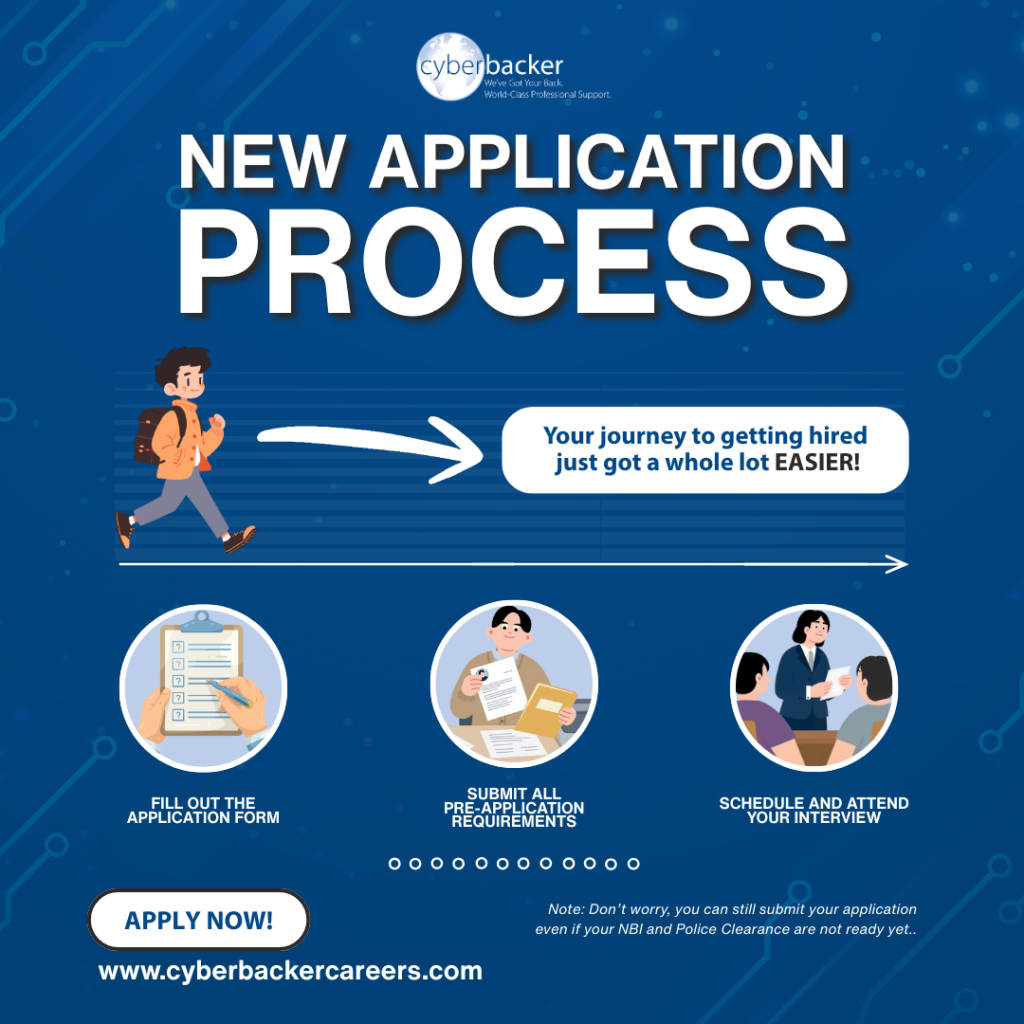

Getting started with Cyberbacker is straightforward, but preparation makes all the difference. Many delays happen not because of qualifications, but because the required documents or setup are incomplete.
Before you begin, this guide will walk you through everything you need to prepare so you can move through the process smoothly and without interruptions.
Your Document Requirements
Before anything else, you will need a valid NBI clearance, a valid police clearance, and a valid government-issued ID.
This is one of the most common questions we receive: Why are the clearances required at the very start, before the interview has even happened?
Here is the honest answer. These clearances help establish trust even before you are matched with a client. They show that you are reliable, prepared, and serious about your professional reputation.
Many clients are ready to move quickly. When your documents are complete, nothing stands between you and an opportunity. Applicants who come in fully prepared are the ones who can move when the timing is right.
Beyond this process, your clearances are documents you will use again. They stay valid for months and they travel with your career wherever it takes you. Getting them done now is a step that pays off beyond just this process.
If your clearances are still being processed, you may proceed with getting started. However, you will have 30 days from the date your profile is created to upload them before moving forward to the interview stage. Placeholder or incorrect files (e.g., expired documents or unrelated uploads) will not be accepted.
For the government-issued ID, we accept several types. The full list is available here.
Your Technical Setup
Working remotely means your setup is your workplace. Every task you deliver, every call you join, and every system you work in runs through your device and your connection. Cyberbacker has specific technical standards because your equipment is the foundation of your professional performance. Make sure your setup meets the following before you start.
Device:
- Processor: Intel Core i3 (6th to 12th gen), i5, i7, or AMD equivalent
- RAM: At least 8GB with 60GB of free hard disk space
- Operating system: Windows or Mac
- High-definition webcam
- Noise-cancelling headset
Remote work does not pause when your equipment has an issue, and having a backup in place shows your client that your work does not stop when they do.
Internet connection:
- At least 10 Mbps DSL or Fiber
- Wired connection through LAN or Ethernet cable
Note: USB sticks, wireless connections, and signal-based connections are not allowed.
A wired connection is required because wireless connections, no matter how fast they seem, are prone to drops and instability. Your client depends on you to show up consistently, and a stable wired connection is one of the most basic ways you protect that reliability.
As part of the process, you will be asked to submit a screenshot of your device specifications and a screenshot of your internet speed test result. Take note of the word screenshot. Do not upload a photo of your device or your router. Only a screenshot that clearly shows your specifications and speed results will be accepted.
Before You Hit Submit
Most delays trace back to a few things that could have been caught before you get started. Run through this before you upload anything:
- Are your NBI and police clearances valid and clearly readable?
- Is your government-issued ID within its validity period?
- Are your uploaded files the correct documents, with no blank pages or unrelated images?
- Are your device and internet screenshots actual screenshots, not photos?
Taking a few extra minutes to review your profile can save days of delays.
A complete and accurate submission does not just move faster. It also reflects the kind of attention to detail that clients look for in the people they work with. The preparation you put in before submitting says something about how you will show up once you are in the role.
When you are ready, visit cyberbackercareers.com and take that first step.