
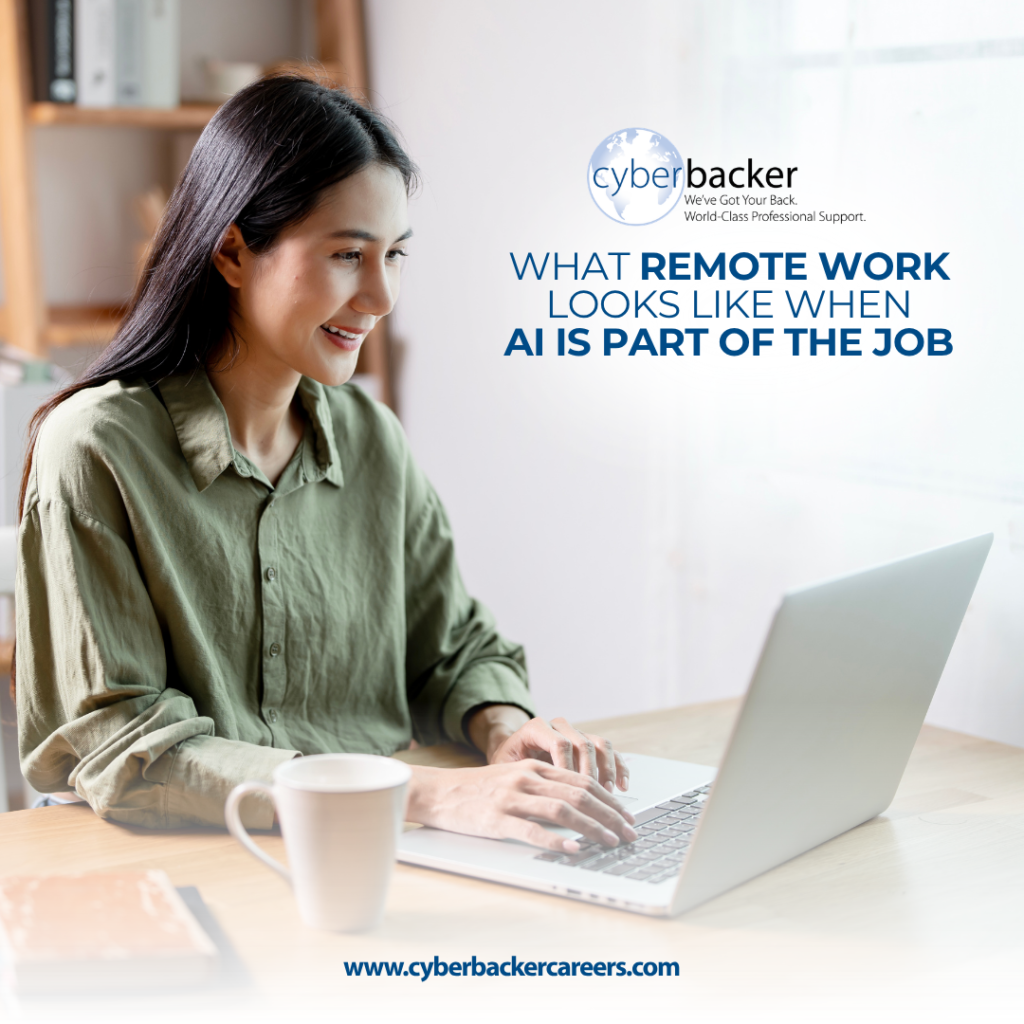
Remote work has always run on what you send. Your client is not in the room, so the work has to stand on its own once it reaches them. That has been true long before AI tools existed.
What AI tools change is how quickly the work gets made. They are good at the parts of a job that take time without needing much thought: pulling a long message thread down to the detail you need, tidying a messy set of notes, producing the opening draft of something you write regularly.
What they do not change is who is answerable for the result. The person who sends the work still owns it, and in remote work that ownership is the whole job. Nobody is going to lean over and ask what you meant.
So the question worth asking is less about what these tools can do and more about how you work alongside them. Four habits answer that, and they follow the order you work in: what to get help with, what to keep back, how to ask, and what to do with the answer.
Everything here is about the AI tools you give an instruction to and get work back from, since those are the ones that come up most in day-to-day remote work. You do not need to write code for any of it, and paying for a course is not required before you begin. The practice happens on the work you are already doing.
What This Looks Like in Practice
The phrase AI skills sounds technical, which puts people off before they even start. What it really describes is a handful of ordinary work habits: being clear about what you want, checking the result before you pass it on, and knowing when something is good enough to send. Every one of those was part of doing remote work well before AI tools arrived.
Care matters far more than a technical background here. An AI tool moves quickly through the mechanical steps, while the judgment behind the finished work stays with you.
How much AI shows up in a job depends on the work itself and on the client. Some roles use AI tools every day, while others barely touch them. That makes little difference to the four below, because they are about how you think rather than about any one product.
We wrote about what remote work asks of you in a separate article if you want the wider picture first.
Before You Start: Choosing What an AI Tool Should Handle
Most tasks are made of smaller parts, and those parts are not all the same kind of work.
Say you have to pull together an update on where things stand. First you go back through the week and find what happened. Then you work out which of it is worth reporting. Then you write it. Then you check the names and dates before it goes out. Four different jobs, one task.
An AI tool works well on the parts that follow a pattern. Pulling a long thread down to a few lines you can scan. Putting a messy list into order. Producing a rough first version of something you make often, so you are editing rather than starting from nothing.
The parts that depend on what you know stay with you. Which detail matters most this week, whether a figure looks wrong compared with what you saw yesterday, and what the situation calls for are all things an AI tool has no way of knowing.
There are two ways to get this wrong. Doing every part yourself means spending time on work that did not need you. Giving an AI tool a part that needed your judgment means sending out something that misses what mattered.
Where to start: take a task you finished recently and write out its steps. Mark the steps that needed something only you knew. That mark is the line between the two kinds of work, and it gets easier to see every time you draw it.
Before You Type: Knowing What Should Stay Out
Once you know what you want help with, there is a second decision, and it is the one worth being firmest about.
Client information, anything covered by a confidentiality agreement, personal details about other people, financial records, and login details do not belong in an AI tool unless you know for certain that it is permitted. The convenience is never worth the risk, and the risk is not yours alone to carry.
When you are unsure, the safe move is to leave it out and ask. You can usually describe the shape of what you need help with rather than pasting the real thing. Instead of pasting a client contract to get a summary, describe the kind of document and the kind of summary you want. Where that does not work, it is a sign the task was yours to handle directly.
Getting this right is quiet work. Nobody notices when information stays where it belongs, which is exactly why it rests on you rather than on anyone checking afterwards.
How to practice it: before you paste anything, take one second to ask whether it belongs to you or to someone else. If it belongs to someone else, that second is the whole skill.
When You Ask: Writing a Clear Prompt
A prompt is what you type in when you make a request of an AI tool. It is the instruction you give, and what comes back tends to match how clearly you gave it.
A vague prompt produces a vague answer, and this holds true whether you are asking a person or an AI tool. The difference is that a person will stop and ask you a follow-up question, while an AI tool simply answers whatever it thinks you meant.
That puts the work at the front end. Say what you want made, who it is for, roughly how long it should be, what to include, and what to leave out. Rather than asking for a summary of a document, ask for a five-point summary aimed at someone who has not read it, focused on what needs a decision.
Four sentences of setup will beat a one-line prompt almost every time, and the setup takes less effort than fixing what comes back.
This is delegation, and the habit carries straight over to people. Getting good at explaining a task to an AI tool tends to make your updates and your handovers clearer too, because both reward the same thing: saying what you actually want instead of assuming it is obvious.
One way to practice: find a prompt that came back wrong and write it again, this time including the background you left out. Put the two answers next to each other. The gap between them shows you exactly what a clear prompt is worth.
When It Comes Back: Checking Before You Send
AI tools are useful precisely because they get most things right. That is what makes the occasional mistake worth watching for.
The results come out quickly, and they come out looking clean. Most of the time the result is solid. Every so often something slips through, and it tends to be small: a name spelled slightly off, a date in the wrong year, a figure with nothing behind it, or a summary missing the one word that changed what a sentence meant.
What makes these slips hard to catch is that they do not stand out. A wrong date sits in a sentence that reads exactly like every correct one on the page, so nothing tells you where to look. This is why many AI tools carry their own line reminding you to double-check anything important, and it is sensible advice.
That means somebody has to check, and that somebody is whoever puts their name on the finished work. A client is not going to ask which part came from an AI tool. They read what you sent them and treat all of it as yours, which is fair, because it is. In remote work, this carries more weight, since there is no conversation around the work to catch what the work itself got wrong.
A quick habit covers most of it. Check the names, the numbers, the dates, and anything the client might act on. It helps to read the result the way you would read work a colleague handed you and asked you to look over, since that is close to what actually happened.
Research needs one extra step. A summary works by leaving things out, and sometimes it leaves out something that mattered. A condition drops away, or a finding that held true in one narrow situation comes back sounding like a general rule, and the summary reads perfectly well either way. So treat a summary as a pointer to its source rather than a replacement for it, then open the source and read enough to see whether it held up. Where no source turns up at all, you do not have a finding yet.
Somewhere to start: take one piece of AI-generated work and check every fact in it against a real source, then note what you found. After a few rounds, you get a feel for the handful of things worth a second look, and the review turns into a quick scan rather than a search.
Checking before you deliver is ordinary professional care rather than anything new. Where AI tools come into the work at Cyberbacker, the thinking behind what gets sent comes from the person doing the job.
Start Before Anyone Asks You To
None of these four habits needs a course, a subscription, or a change in your title. They need you to use AI tools on real work and pay attention to what comes back, which costs you nothing except the attention itself. Whatever else your field goes on to ask of you, these come first.
They also feed each other over time. Careful judgment about what goes in leaves you less to worry about later, clearer prompts leave you less to fix, and sharper checking means you trust your own work sooner.
Notice what the four have in common. Every one of them is a decision that belongs to you: what to get help with, what to keep out, what to ask for, and what to accept. An AI tool produces material, and you turn that material into work.
Where the Learning Continues
None of this is really about AI. It is about the thing this kind of job has always required, which is the ability to send something out and stand behind it without being there to explain it. AI tools raise the stakes on that by making it faster to produce work, and the habits above are how you keep pace without losing the part that matters.
We take the same view at Cyberbacker, which is why training does not stop once you start. We prepare every remote professional before their first client, and we explained how that preparation works in more detail. Once you join, you also get access to Cyberbacker University, our learning platform, where one of the courses covers the AI tools used in client work. The learning continues from there, since building your skills is treated as ongoing work rather than something that ends after onboarding.
If you want a remote career where your skills keep growing, get started here.