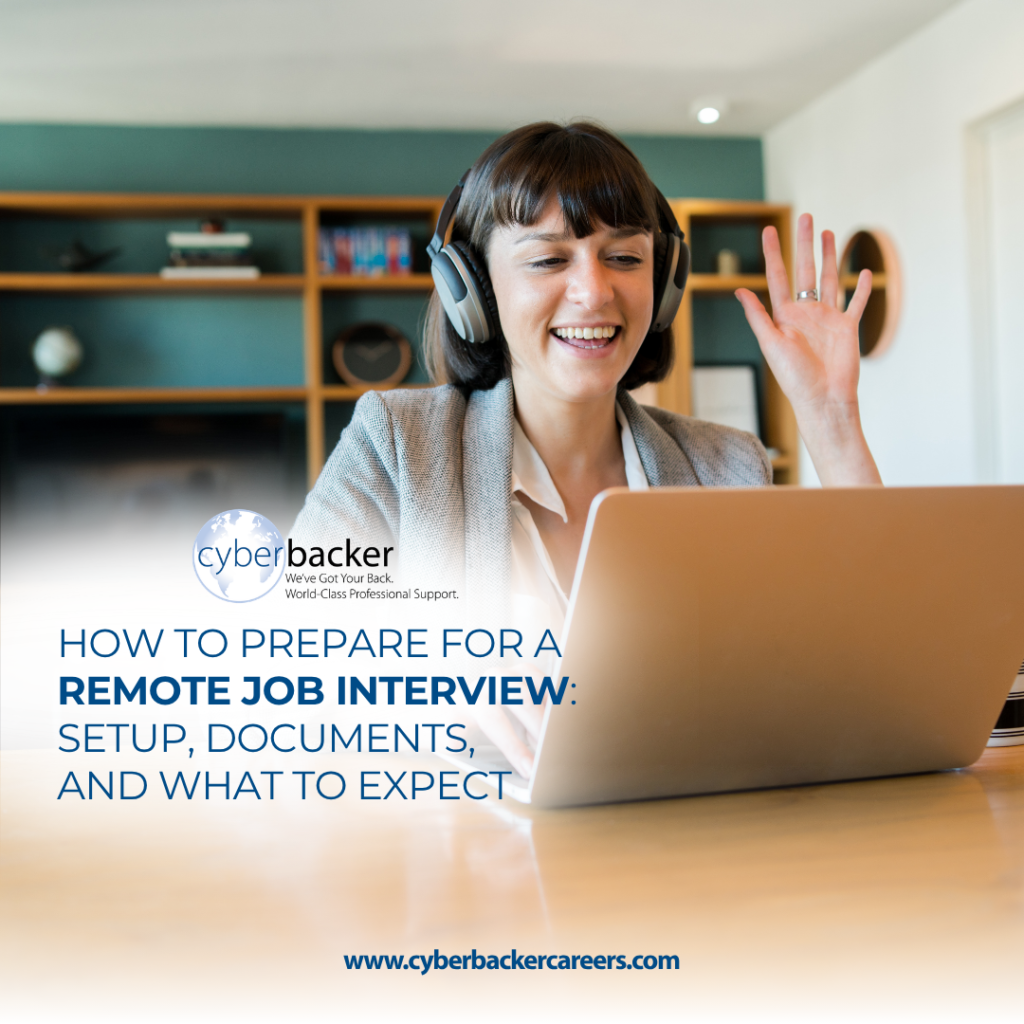
A remote job interview is different from anything most job seekers have prepared for before. Almost overnight, your home becomes your professional setting. The background behind you, the quality of your connection, and the clarity of your audio. All of it becomes part of how you are evaluated before you say a single word.
Most people preparing for a remote job interview worry about three things: whether their setup is good enough, whether they have the right documents in order, and whether they know what to say and how to say it on camera. This guide walks through all three, step by step, so you can go into the interview feeling genuinely ready rather than hoping for the best.
The Philippines recorded an 83 percent hiring activity level in 2024, the highest in Southeast Asia, with 94 percent of Philippine employers having hired candidates that year. The job market is active and competitive. Online interview preparation is no longer a nice-to-have skill. It is the baseline.
Get Your Technical Setup Right Before Anything Else
Your technical setup is the foundation on which everything else is built. A strong answer delivered over a broken connection or with a cluttered background does not land the same way. Getting the setup right is not about having expensive equipment. It is about meeting the right standard before day one, and making sure that nothing technical gets in the way of the conversation you have prepared for.
Internet Connection and Device
At Cyberbacker, the connection requirement is a minimum 10 Mbps DSL or fiber-wired internet connection. USB sticks, signal-based connections, and wireless setups are not accepted, and this applies to the interview just as it does to the role itself.
Run a speed test the day before and again on the day of the interview, not just once. Make sure your device meets the minimum specifications required: Intel Core i3 6th to 12th generation, i5, i7, or AMD equivalent, running Windows 10 or Mac OS, with at least 8GB of RAM and 60GB of free hard disk space. Close all background applications before the call to free up processing power and avoid slowdowns mid-session.
Test the video platform at least 24 hours before the interview, so there are no login or permission issues on the day.
Camera, Lighting, and Background
Position your camera at eye level so the interviewer sees you straight on. Eye contact on a video call means looking at the camera lens, not at the interviewer’s face on the screen. If you do not yet have an external webcam, your laptop’s built-in camera is acceptable for the interview itself.
Lighting should come from in front of you. A window or lamp facing you works well. A light source behind you creates a silhouette that makes your expressions hard to read. Your background should be clean, neutral, and free of distractions. A plain wall or a tidy corner of a room keeps the interviewer’s attention where it belongs: on you.
Do a full video test with someone before the day of the interview. Ask them to tell you honestly what the lighting, angle, and background look like from their end. What looks fine to you on your own screen does not always read the same way to the person on the other side of the call.
Audio and Noise Management
Audio quality often matters more than video quality in a remote interview. Words that cut in and out or background noise that competes with your answers leave a poor impression, regardless of how well you have prepared what you are saying.
A noise-canceling headset with an extended microphone is a requirement once you are hired at Cyberbacker. If it is not yet available to you, any headset with a built-in microphone is significantly better than relying on laptop speakers and a built-in mic. Inform everyone in your household about your interview schedule in advance. Choose the quietest room available, close all doors and windows, and do a final audio check before logging in. That said, using a noise-canceling headset from the start is a good signal to the hiring team that you are already thinking ahead and taking the professional standard seriously.
What to Wear and How to Present Yourself on Camera
A remote interview is still a professional interview. The standard of presentation is the same as it would be in person, even if the setting is different. Your interviewer’s first impression is formed in the first few seconds of the call, and it is built on your appearance, your posture, and your presence before a single word is spoken.
Dressing for the Interview
Dress professionally from head to waist at a minimum. Solid colors work better on camera than busy patterns, which can create a flickering effect on video. Very bright whites and very dark blacks can cause exposure issues depending on your lighting, so solid mid-tones tend to read best on screen.
Grooming matters. A neat, composed appearance signals respect for the process and seriousness about the role. Getting fully dressed before the interview also prepares your mind for a professional interaction. It is a simple habit that makes a real difference in how confident and composed you feel once the call begins.
Posture, Eye Contact, and How You Come Across on Camera
Sit up straight and slightly forward. Slouching reads as disengagement, and leaning too far back creates unnecessary distance. Keep your hands visible and relaxed. Having them in frame adds warmth and naturalness to the conversation.
Speak at a measured pace. Audio compression on video calls can make fast speech harder to follow, and deliberate pacing reads as confidence rather than nervousness. Smile naturally at the start and maintain a composed, engaged expression throughout. Facial expressions carry more weight on a video call than in person because they are one of the few physical cues available to the interviewer.
Practice delivering answers out loud before the interview. Hearing your own voice through a headset in a quiet room is different from how it sounds in your head, and the practice builds real confidence that shows up on camera.
Documents to Have Ready Before Your Interview
Document preparation is not an afterthought. At Cyberbacker, certain documents are required before the interview can even be scheduled. Getting them in order early removes last-minute stress and signals to the hiring team that you are serious and organized before the conversation has even begun.
A Quick Note on Clearances and Your Resume
The documents you will need are an updated resume in PDF format, a valid NBI clearance, a valid police clearance, and a valid ID. Your clearances need to be submitted before you can schedule your interview, so processing them early in the application is worth prioritizing since both take time to obtain.
What to Expect During the Interview
Most of the anxiety around interviews comes from not knowing what to expect. Once you understand the general shape of the conversation, a significant amount of that anxiety lifts.
The Kind of Conversations That Come Up
Every remote interview is different, but most are less about testing you and more about understanding how you work, how you communicate, and what you are looking for in a career. Knowing that going in takes a lot of the pressure off.
The best preparation for this kind of conversation is honest reflection on real experiences. Specific examples of how accountability, communication, or initiative showed up in a previous role or situation are more memorable than general statements about work ethic. There are no perfect answers. There is only a clear, honest, and composed version of yourself.
How to Handle the Unexpected During a Video Interview
Technical disruptions happen. A dropped connection, a frozen screen, or unexpected background noise can interrupt even the best-prepared interview. Staying calm and handling disruptions professionally is itself part of what the hiring team is observing. It shows them exactly how you will handle the real challenges of remote work when they come up on the job.
If the connection drops, reconnect immediately and send a brief message to the interviewer acknowledging what happened. If background noise interrupts the call, address it briefly and continue. Do not let it derail the entire conversation. How you respond to the unexpected often tells the interviewer more than any rehearsed answer.
How Cyberbacker’s Hiring Process Works
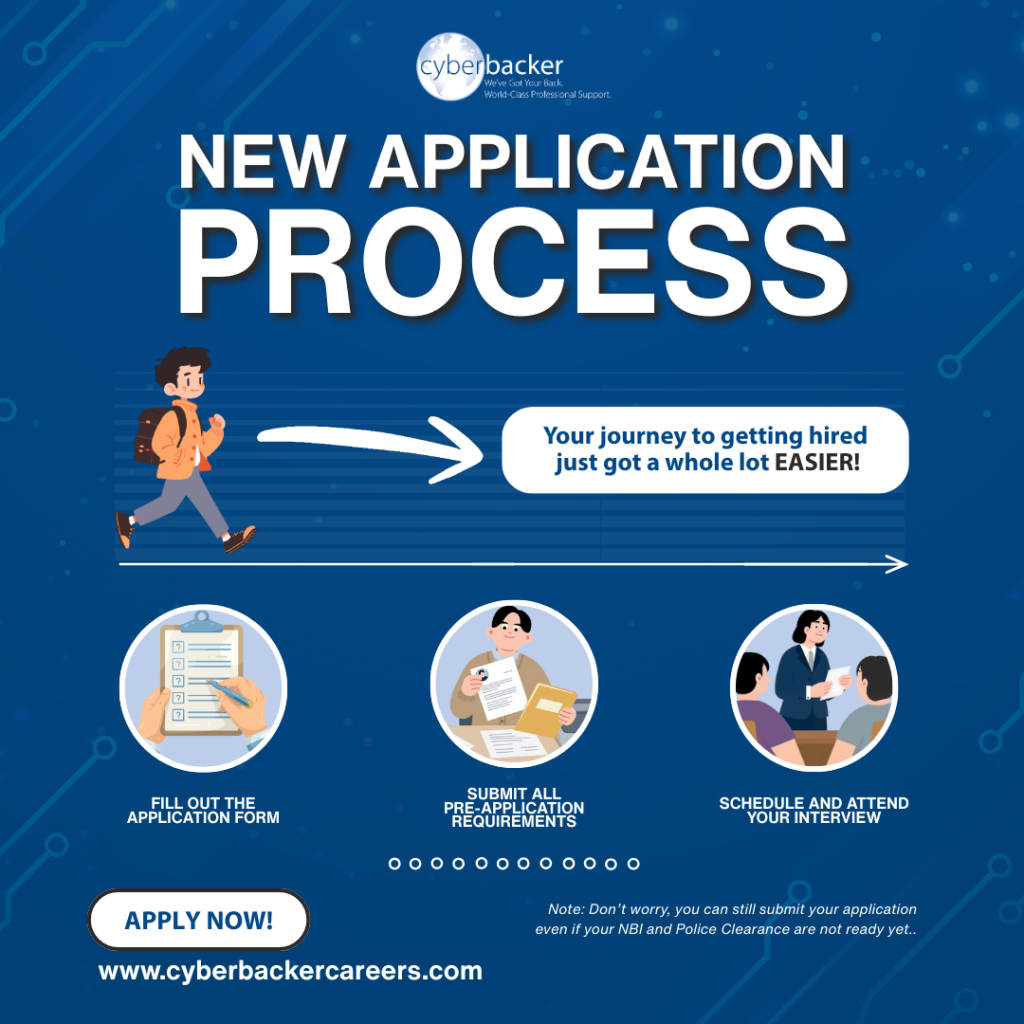
Cyberbacker’s hiring process is structured and values-driven. It is built to find the right fit for both the applicant and the client, not just to fill a seat quickly. The process includes an application form, a values assessment, and an interview. Full details of each step are available here.
The values assessment is worth knowing about in advance. It is not a test with right or wrong answers. It is an honest look at how you approach work, relationships, and accountability. Approach it as yourself. The process works best when both sides are being genuine, and that is exactly the kind of foundation a stable, long-term remote career is built on.
The Day of the Interview: A Simple Checklist
Use this as your final confirmation before you log in. Going through it the day of the interview removes last-minute doubt and lets you walk into the call with a clear head.
- Run a speed test and confirm your wired connection is stable
- Do a full audio and video check. Camera angle, lighting, background, headset
- Dress fully before the interview starts, not five minutes before
- Inform everyone in your household, and close all doors
- Log in five to ten minutes early, review your key points, and compose yourself before the call begins
- Keep a glass of water nearby. Nerves affect the voice and a clear, steady delivery matters
Showing Up Ready
Preparing for a remote job interview does not have to feel overwhelming. With the right setup, the right documents, and a clear sense of what to expect, you are already in a strong position. The interview is not about being perfect. It is about showing up as a prepared, composed, and honest version of yourself and letting that speak for what you can bring to the role.
If Cyberbacker sounds like the right fit, the application is open, and the process is exactly what this article walked you through. Apply today.